
GTA 6 comes out November 19. The spoilers are already out
Play it before
you see it
Blackout is a free browser extension that blurs GTA 6 videos, Shorts, posts, comments and articles on every site, so the first time you see Leonida is when you play it
Blurred, not deleted
Every spoiler stays where it was
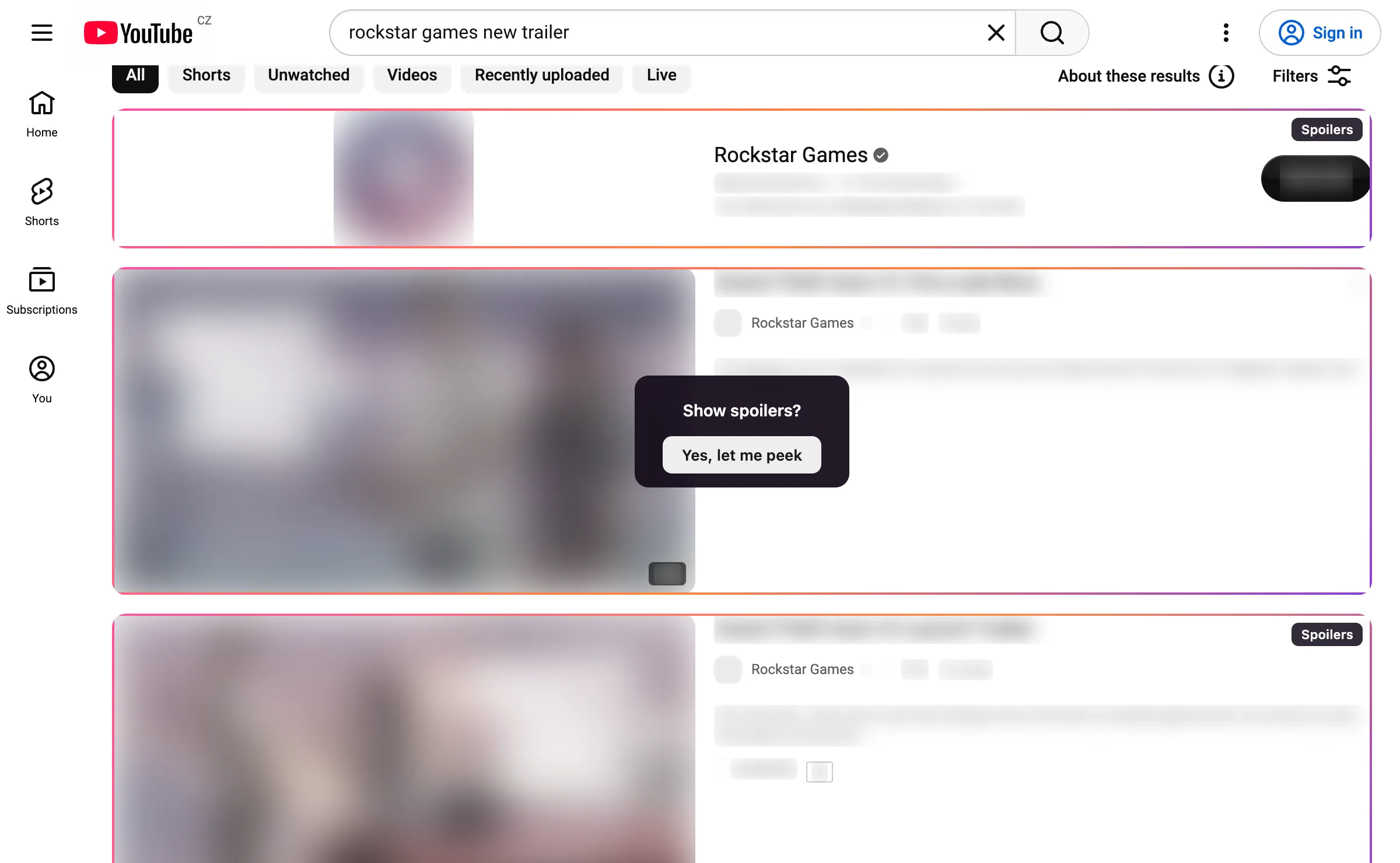
A video about the game keeps its place in your feed, inside a frame that says Spoilers. Its thumbnail and title are blurred, and the channel stays readable, so you still know who posted it.
- It asks first. Click a box and it shows a button. Nothing opens by accident
- The box never goes away. After a yes, only the piece under your pointer clears, the title or the thumbnail
- Sound stays off. A blurred Short or Reel is paused and muted, so it can’t spoil anything out loud
Everywhere you scroll
Feeds, threads and comment sections
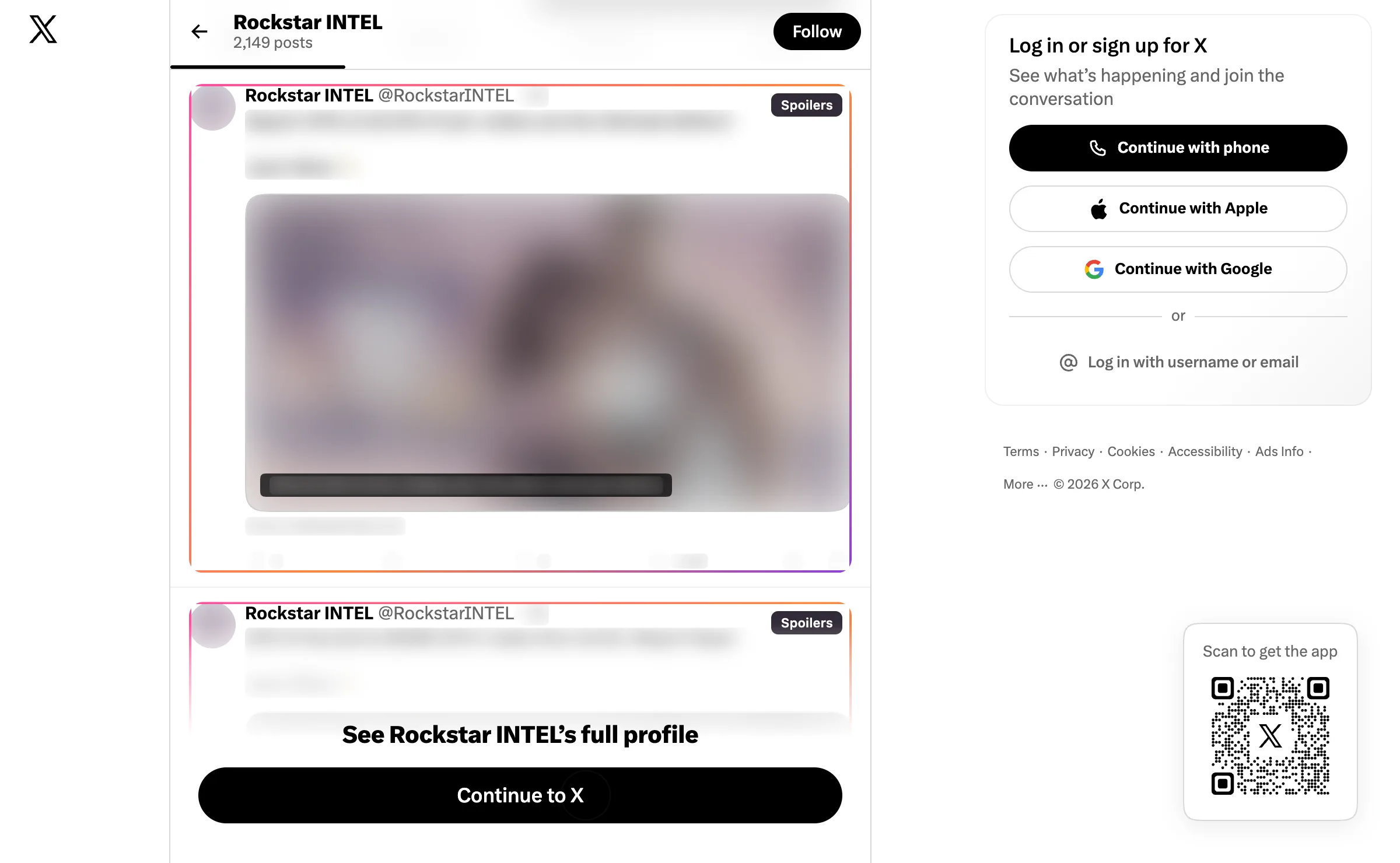
On the big sites Blackout knows what one post is, so it hides that post and leaves the rest of the feed alone. Comments are hidden one at a time. Everywhere else it finds the card or paragraph around the mention.
Whole pages
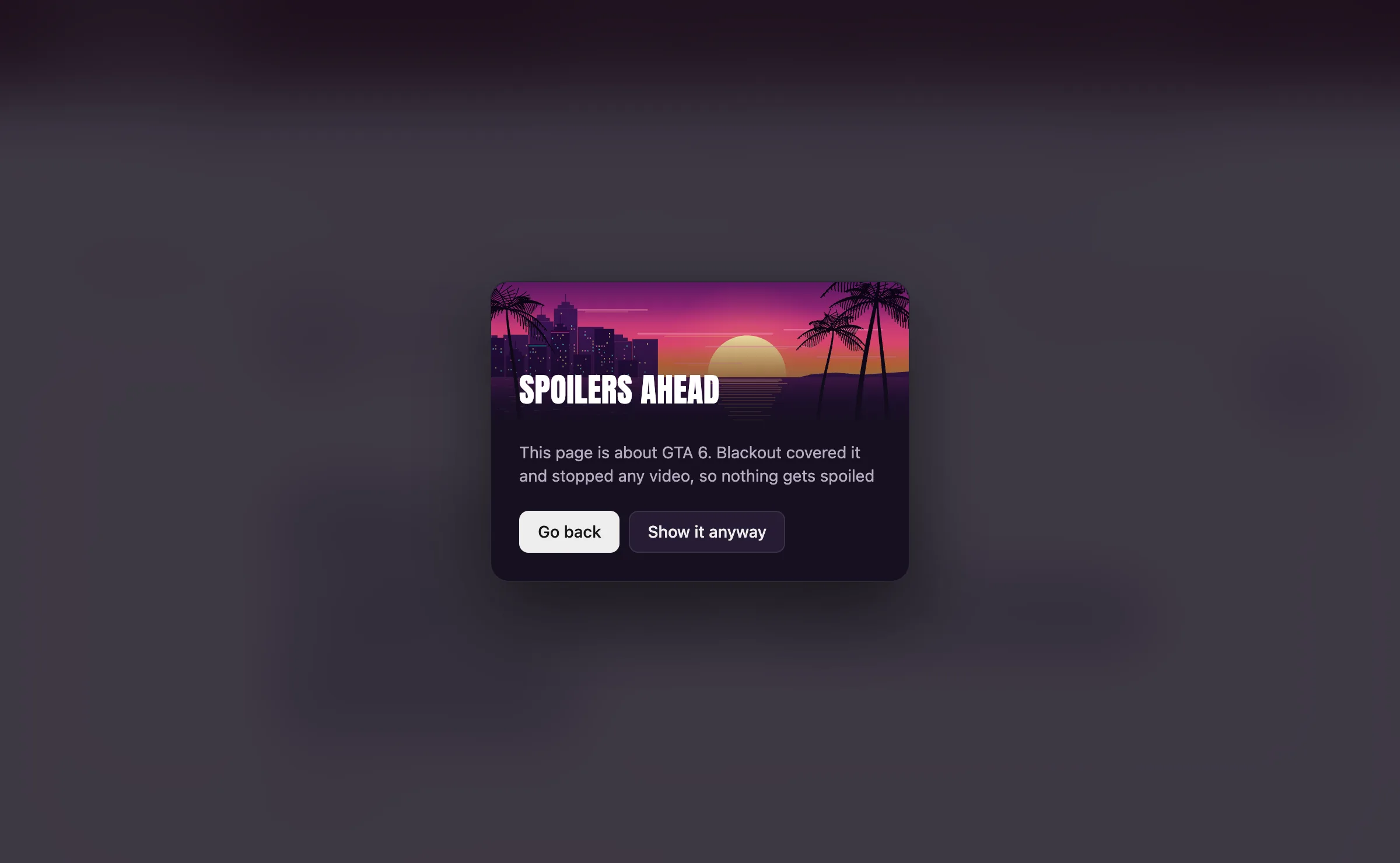
Click a link about it and the page gets covered
A review, a trailer or a search for the game opens behind a cover with a way back. The tab title is hidden too. If you choose to look, the cover lifts and the headline, the pictures and every line about the game stay blurred.
Accounts and sites
Block the accounts that never stop
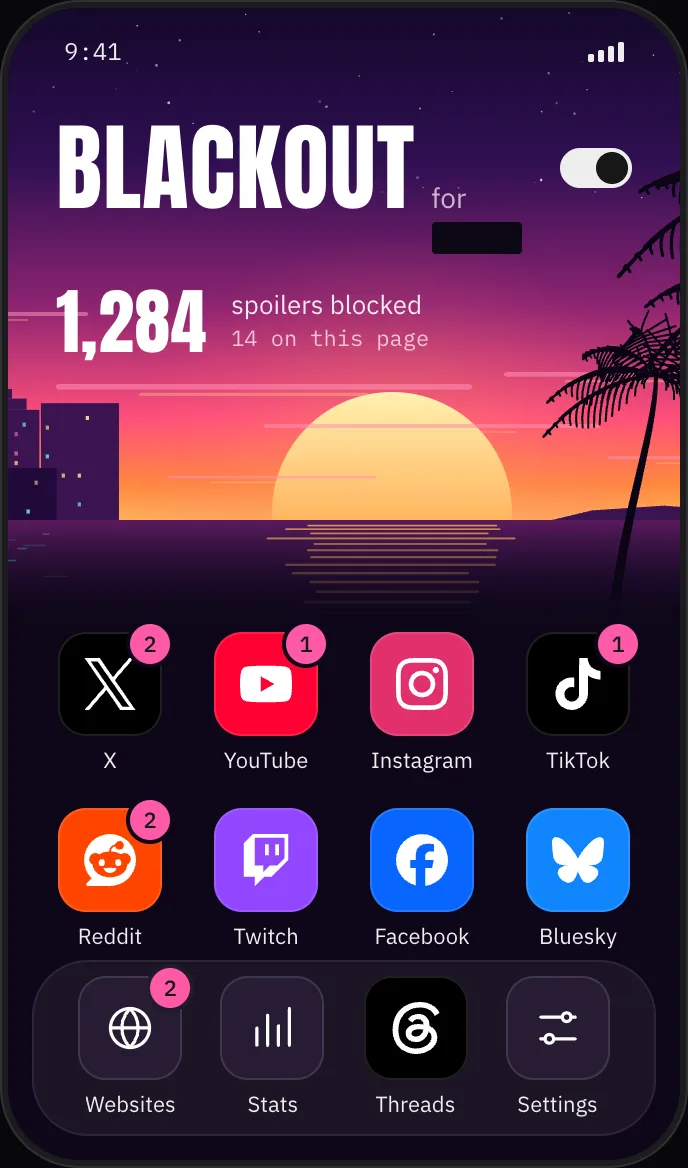
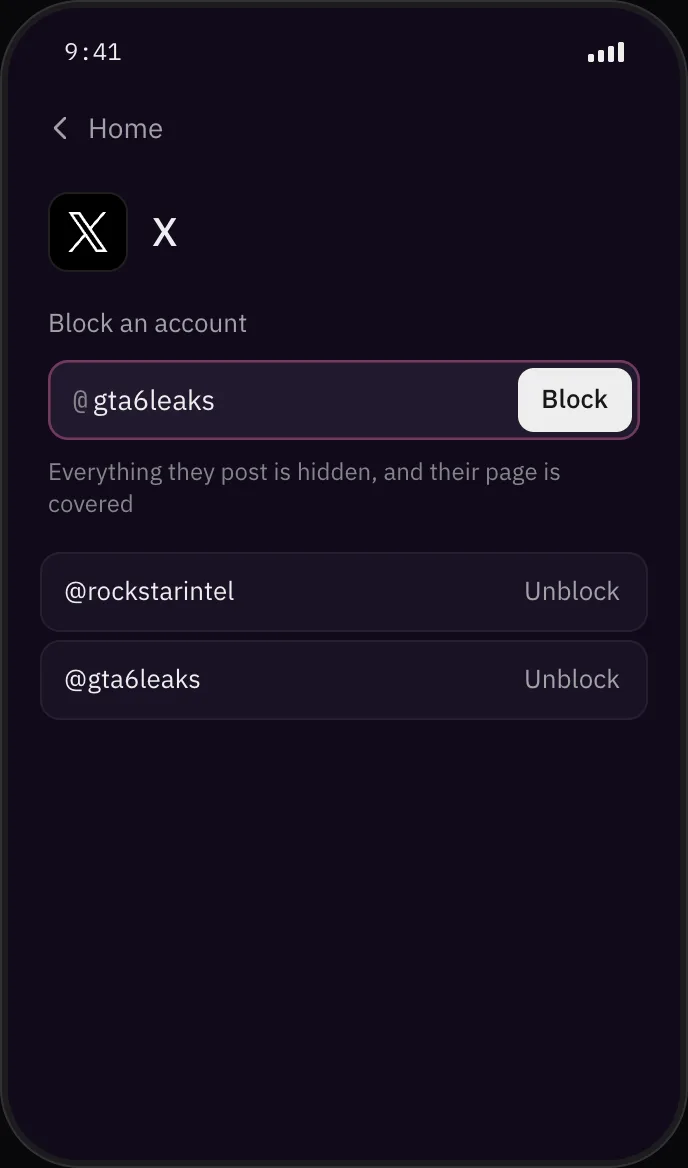
Open the phone in your toolbar, tap X, YouTube, TikTok or any other app, and type a name or paste a link. Everything that account posts is hidden on every site, and its page is covered. Leak accounts, fan sites, whole subreddits.
Stats
Count every spoiler you dodged
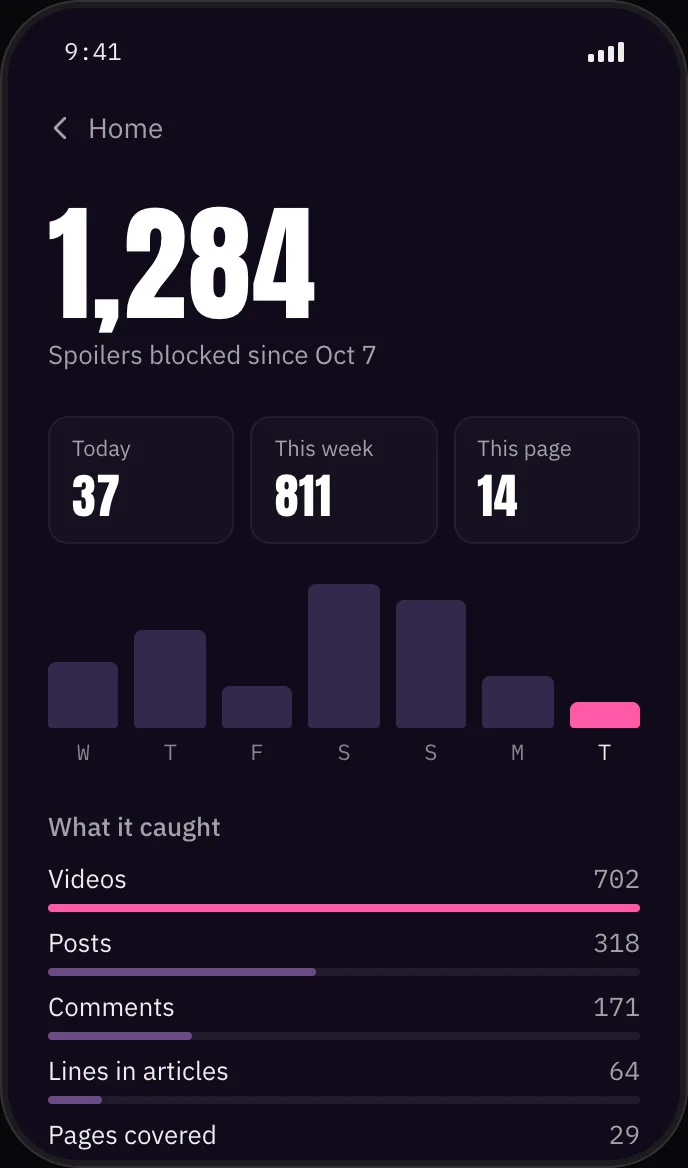
The Stats app keeps your score: today, this week and since you installed it, which kinds of spoilers it caught and on which sites. It’s counted in your browser and never sent anywhere.
Privacy
Nothing leaves your browser
It reads pages where they are
Blackout checks the text of the pages you open, on your computer, and sends none of it anywhere.
No account, no ads, no tracking
Once a day it downloads one small file of new words and site fixes, and sends nothing about you with it. You can switch that off. Your settings sync through your browser, if you have sync on.
Your stats are yours
The count of what it hid stays on your computer. Removing Blackout removes it.
Questions
Before you install
Will it catch everything?
It catches anything with words that name the game: titles, captions, hashtags, comments, links and search results, in English and in several other languages and alphabets. A picture or clip with no words about the game can still get through. For leak accounts that post bare clips, block the account itself.
What counts as GTA 6?
By default the title in any spelling (GTA 6, GTA VI, Grand Theft Auto VI, hashtags), plus the names of its characters and places. You can narrow it to the title only, widen it to the whole series, or add your own words in Settings.
Can I still look at something?
Yes. Click a box and it asks first. Covered pages have a Show it anyway button, which asks once more before it lifts the cover. You can also switch Blackout off from the phone in your toolbar, for one site or for everything.
Which browsers does it work in?
Chrome, Edge, Brave and other Chromium browsers. A Firefox version is on the way.
Is it made by Rockstar?
No. Blackout is an independent extension and isn’t affiliated with Rockstar Games or Take-Two Interactive.
See Leonida
in the game first
Free. It’s on its way to the Chrome Web Store, and a Firefox version is next